Money
Stock
What is on the shelf, and the movements that put it there.
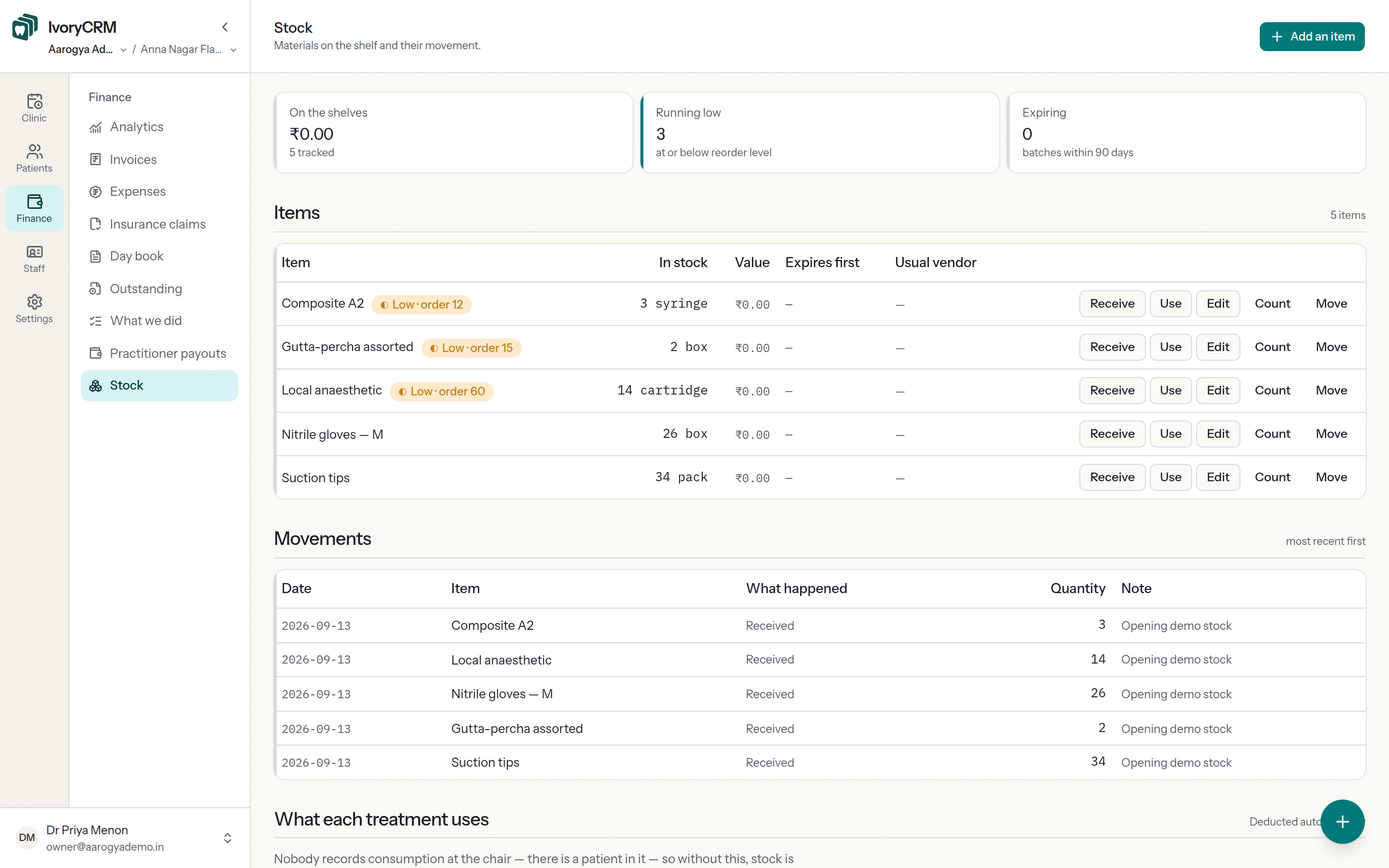
Use this when materials come in or are used on a patient.
Steps
- Open Finance → Stock.
- Press Receive stock.
- Choose the item, the quantity and what it cost.
- Save.
The level goes up and the purchase is recorded as an expense in the same operation.
What happens next
The level moves by exactly the quantity recorded, and receiving records the purchase as spending.
Use stock
- Find the item.
- Press Use stock.
- Enter the quantity and the reason.
- Save.
Rules
- A level is never stored as a number somebody can overwrite. It is the sum of signed movements, so the shelf and the book can be compared.
- Below the reorder level the item shows on the overview, so ordering happens before something runs out mid-appointment.